The Comprehensive Guide to TV Wall Mounts with Cable Box Shelves
Introduction
Mounting your TV on the wall can transform your living space, creating a neat, modern aesthetic while saving valuable floor space. A cable box shelf is an essential companion to this setup, providing a designated area for your media devices without compromising style. This guide will walk you through selecting and installing a TV wall mount with a cable box shelf, ensuring you achieve both functionality and sleek design in your home.
Understanding TV Wall Mounts
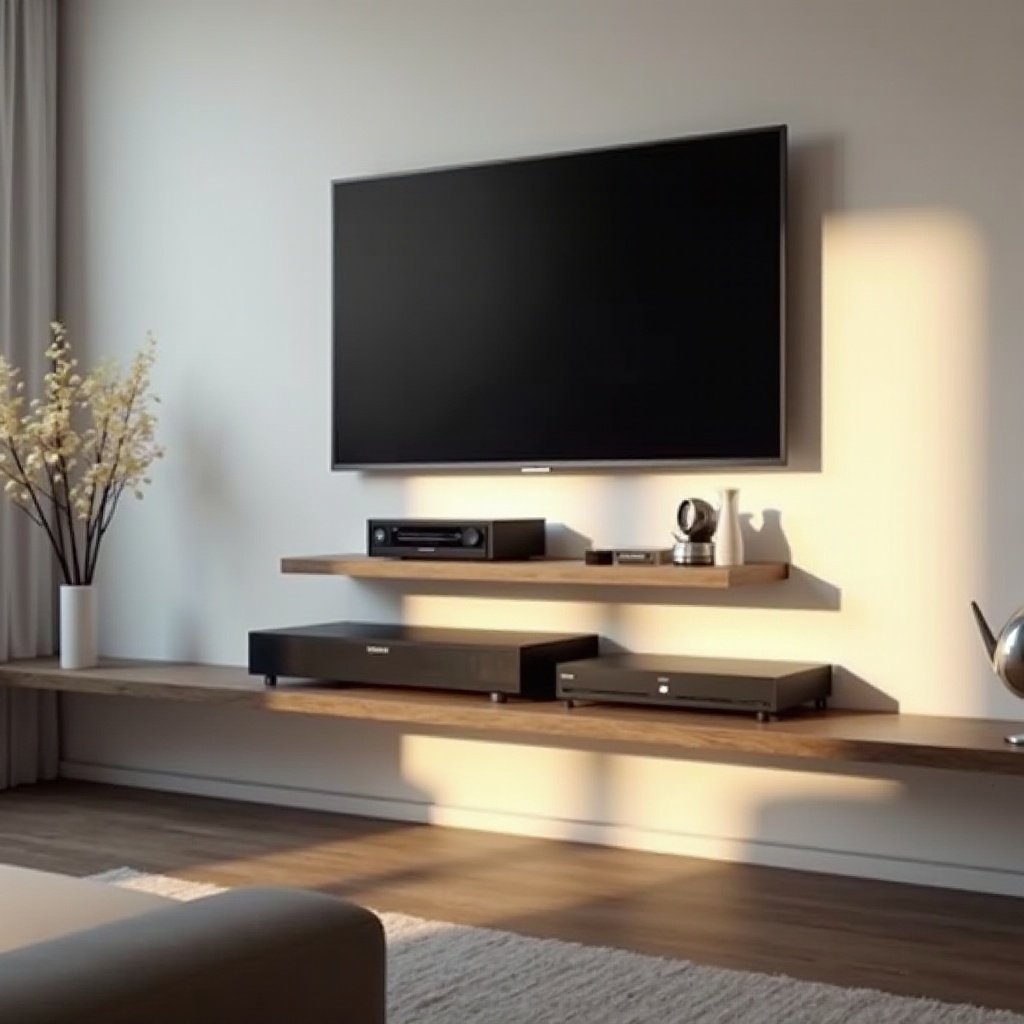
Before selecting or installing a wall mount for your TV, it’s crucial to understand the different types available and what each type offers in terms of flexibility and functionality.
Different Types of TV Wall Mounts
-
Fixed Mounts: Best suited for smaller rooms or areas where the viewing angle doesn’t need adjusting. These mounts keep the TV close to the wall for a streamlined appearance but lack flexibility in terms of movement.
-
Tilting Mounts: These are ideal if you need to mount the television higher up on the wall. The ability to adjust the tilt helps reduce glare and optimize viewing angles, improving overall comfort.
-
Full-Motion Mounts: Offering the most flexibility, full-motion mounts can swivel, tilt, and extend away from the wall. They’re perfect for larger spaces or open-concept living areas where viewers might watch TV from various locations.
Understanding the type of TV wall mount you need sets the stage for selecting a complementary cable box shelf, which we will discuss next.
Choosing the Right Cable Box Shelf
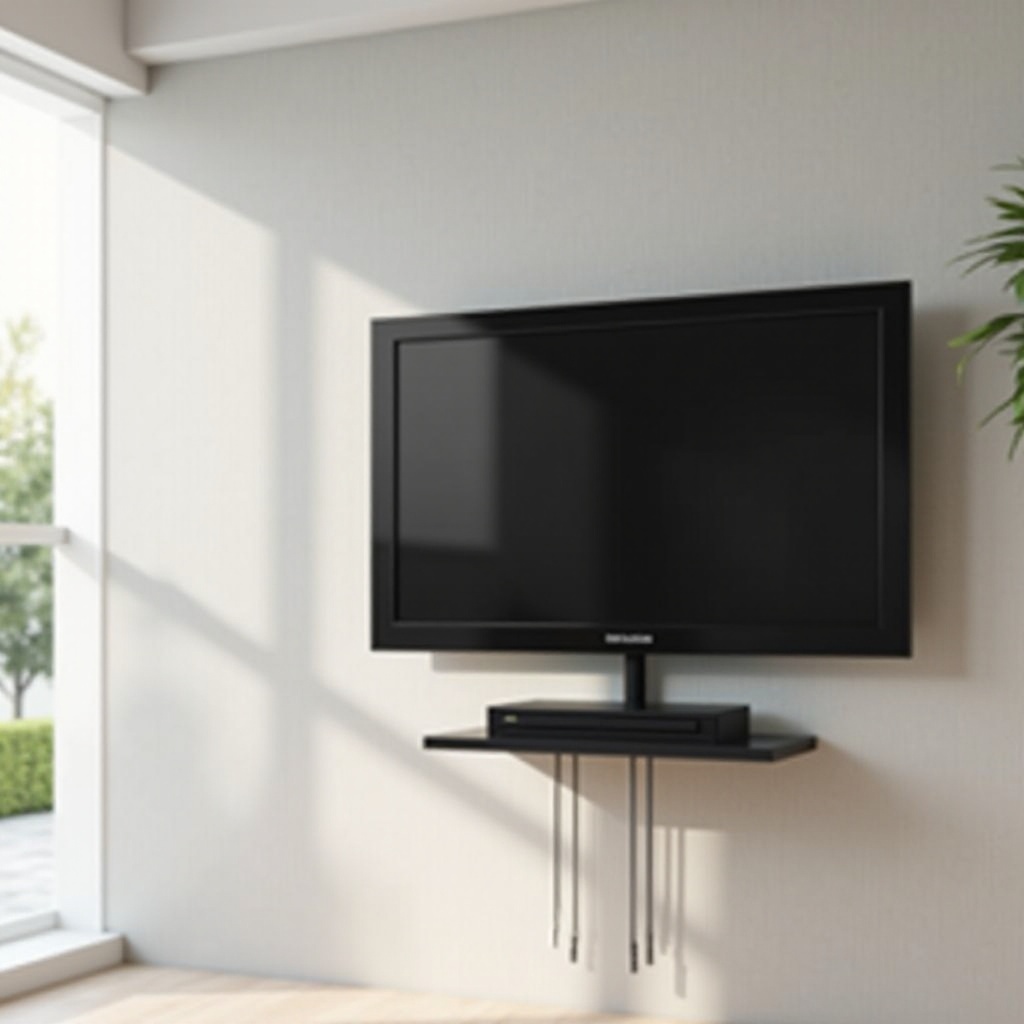
A well-chosen cable box shelf keeps your media devices organized and complements your wall-mounted TV. The right shelf also helps manage cables, maintaining a clean and organized look.
Types and Styles of Cable Box Shelves
-
Glass Shelves: Known for their sleek, modern appeal, glass shelves can easily blend into contemporary decor. However, ensure they’re made from tempered glass for safety and durability.
-
Metal Shelves: Ideal for those seeking durability and strength. Metal shelves can handle heavier media components and offer a minimalist aesthetic.
-
Wood Shelves: Available in various finishes, wood shelves add warmth and can be matched to existing furniture for a cohesive look.
Importance of Cable Management
Effective cable management is crucial in maintaining the neat appearance achieved with a wall-mounted setup. Here are some tips:
- Use cable ties or conduits to bundle and route cords neatly.
- Select shelves with built-in cable routing features if available.
- Position the setup near power outlets to reduce visible cords.
With the right TV mount and cable box shelf chosen, the next logical step is installation. Let’s dive into the specifics of safely and efficiently mounting your equipment.
How to Install a TV Wall Mount with Cable Box Shelf
The installation process for a TV wall mount with a cable box shelf requires precision and care to ensure both safety and stability.
Pre-Installation Preparation
-
Gather Tools and Materials: Assemble necessary tools like a drill, level, tape measure, stud finder, and the mounting kit.
-
Select the Proper Wall Space: Ensure the wall area has studs, as they’ll provide the essential support needed for a secure mount.
Step-by-Step Installation Guide
-
Locate the Studs: Use a stud finder to identify and mark the stud locations for anchoring your wall mount securely.
-
Attach the Wall Mount: Drill pilot holes into the studs, then secure the mount using strong bolts or screws provided in your kit.
-
Mount the TV: Attach the brackets to your TV according to its VESA pattern, and then hang the TV onto the wall mount.
-
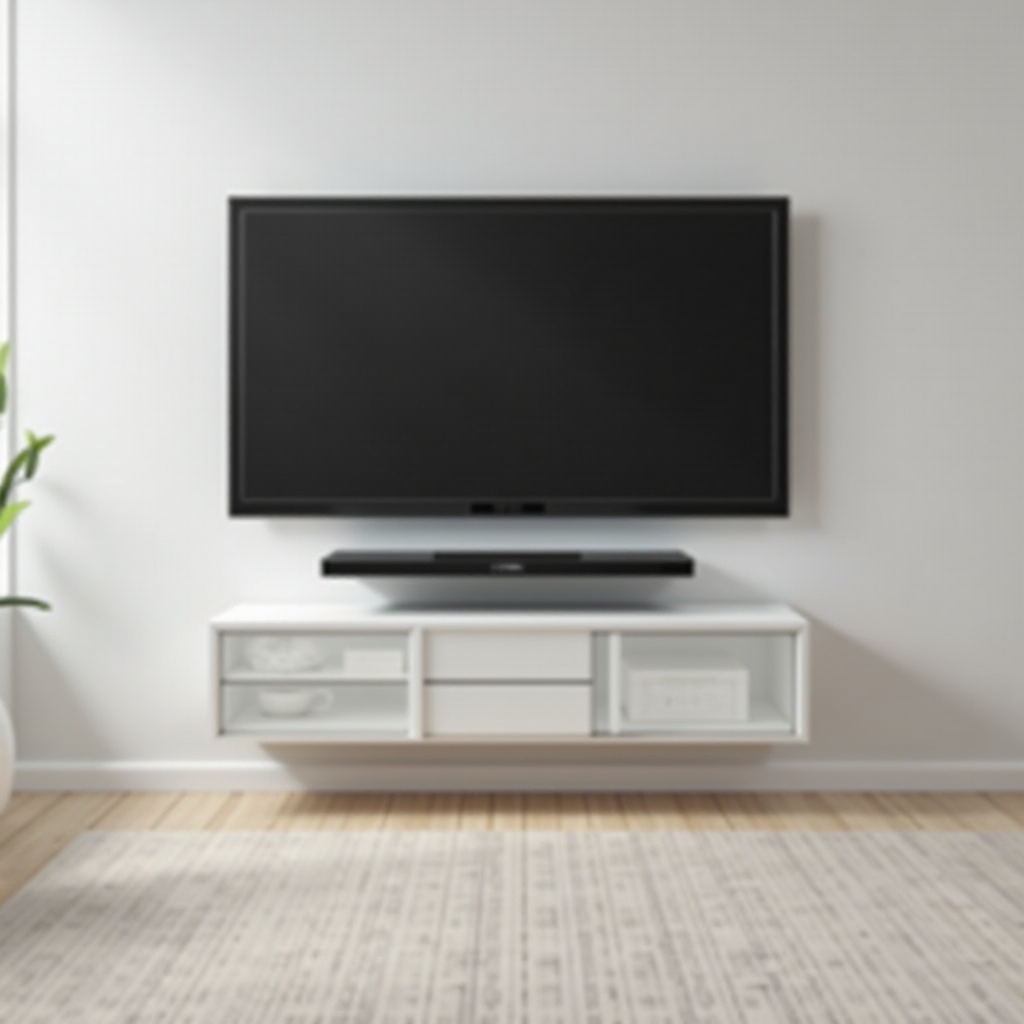
Install the Cable Box Shelf: Position the shelf below or beside the TV mount, and secure it according to manufacturer’s instructions.
Ensuring Safety and Stability
- Double-check all screws and bolts to ensure they’re tightly secured.
- Test the mount’s stability by gently shifting your TV to confirm it’s firmly attached.
- Ensure the shelf is capable of supporting the weight of your devices before placing them.
With successful installation, you might still want to optimize aesthetics and functionality. Let’s explore some additional tips for a polished finish.
Additional Tips for a Clean Setup
- Conceal visible wall anchors using paint that matches your wall.
- Incorporate decorative elements, like small potted plants, to disguise cords around the setup.
- Regularly dust all components and the shelf to maintain that just-installed look.
Following these tips will ensure that your setup not only maximizes space but also enhances your room’s overall aesthetic appeal.
Frequently Asked Questions
What are the benefits of an integrated TV wall mount and cable box shelf?
An integrated setup reduces clutter, saves space, and offers a sleek, modern look, as well as simplifying cable management and device organization.
Can any TV be mounted on a wall with a cable box shelf?
Most TVs can be mounted if the wall mount is compatible with the TV’s VESA pattern and weight. Check specifications to ensure compatibility.
How can I ensure my wall mount setup is safe?
Always anchor mounts into wall studs, secure all fastenings tightly, and adhere to manufacturer instructions to maintain safety and stability.