How to Solve Jabra Earbuds Not Charging: Complete Guide
Introduction
Jabra earbuds are celebrated for their quality and dependability, yet, like all electronic devices, they may experience charging issues. This problem can disrupt your daily routine, from energizing workout playlists to crucial business calls. Instead of immediately visiting a service center or buying a new pair, there are steps you can follow to identify and remedy these issues. This guide focuses on demystifying the charging problems related to Jabra earbuds, equipping you with solutions and prevention strategies.
Understanding the Problem
Charging issues with Jabra earbuds can originate from various factors, such as hardware defects, software glitches, or even simple issues like dirt obstructing charging points. Understanding the root cause is crucial for an effective solution. Is it an issue with the earbuds themselves or the charging gear? Could outdated firmware be at fault? Breaking down these possibilities is key to identifying the problem and taking targeted actions to resolve it.
Quick Checks for Charging Issues
Before diving into more complex solutions, perform these quick checks:
-
Check the Power Source: Ensure the outlet or power strip you are using is functioning properly. Try plugging in another device to verify it.
-
Use Original Accessories: Stick to the original charging cable and adapter that came with your earbuds; third-party accessories might not deliver the correct voltage.
-
Ensure Proper Alignment: Confirm that the earbuds are correctly seated in the charging case, signaled by LED lights.
These initial checks might resolve charging issues without further troubleshooting.
Inspect the Charging Setup
If quick checks don’t resolve the issue, it’s time to delve deeper into your charging setup.
Examine Charging Cable and Adapter
The charging equipment can often be the culprit:
-
Check for Damage: Inspect the charging cable for frays or bends. Try using a different cable if you observe any damage.
-
Test the Adapter: Use another adapter to determine if the issue persists, as some might not deliver the required power.
Assess the Charging Case and Earbuds Placement
The connection between the charging case and the earbuds is vital:
-
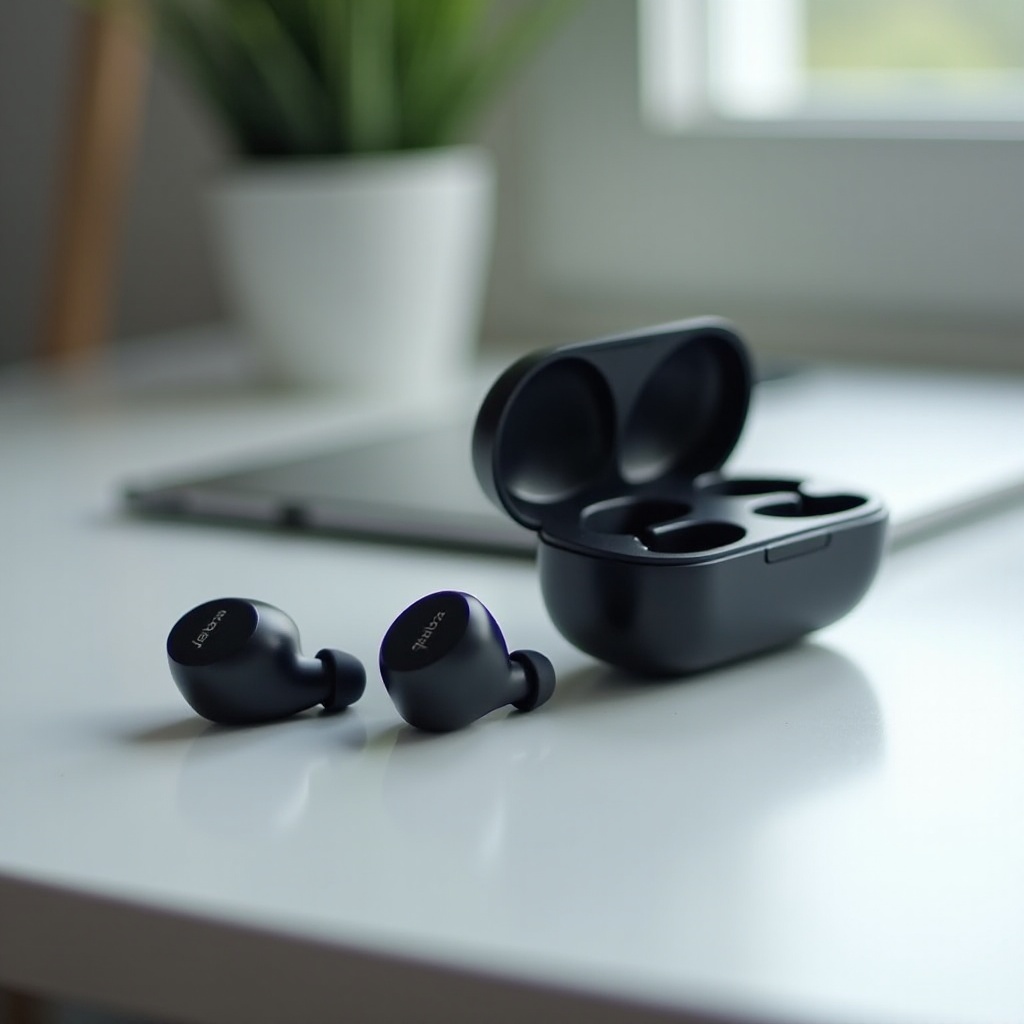
Inspect the Charging Case: Ensure the pins in the case are clean and properly align with the earbuds. Dust or debris could obstruct this connection.
-
Check Earbud Placement: Ensure that the earbuds fit snugly in the case. Misalignment could prevent proper charging.
Advanced Troubleshooting Steps
Should the issue persist after inspecting your setup, consider these advanced troubleshooting steps.
Reset Your Jabra Earbuds
A simple reset might resolve many issues:
-
Perform a Soft Reset: Place the earbuds in the charging case and close the lid for about 5-10 seconds.
-
Hard Reset Procedure: Refer to your specific Jabra model’s instructions for a hard reset, usually involving holding down a multifunction button.
Update Earbud Firmware via Jabra Sound+ App
Keeping your firmware updated can resolve and prevent software issues:
-
Install the Jabra Sound+ App: Download and install it from the App Store or Google Play.
-
Check for Updates: Connect your earbuds to the app and navigate to the settings to check for firmware updates. Follow prompts to install if available.
These troubleshooting steps not only address immediate problems but also ensure optimal earbud performance.
Tips for Preventing Charging Issues
Preventive measures help maintain the longevity and functionality of your earbuds:
-
Regular Cleaning: Use a soft cloth or designated cleaning tool to remove dirt and debris regularly from earbuds and charging points.
-
Safe Storage: Store the earbuds in their case when not in use to protect them from dust and damage.
-
Avoid Excessive Heat or Moisture: Keep the earbuds and their case away from extreme temperatures and moisture to prevent performance impairment.
When to Seek Professional Assistance
If none of the above solutions work, it’s time to consult a professional. Persistent issues could indicate internal hardware problems necessitating expert repair or replacement. Contact Jabra customer support or visit an authorized service center for assistance. Refrain from attempting to open or fix the earbuds yourself, as this could void any warranty or cause further damage.
Conclusion
Addressing Jabra earbuds not charging issues requires the right approach. From basic checks to detailed troubleshooting, many issues can be resolved by the user. Maintaining regular care and awareness of preventive measures prevents future complications. However, always seek professional help when warranted to ensure optimal earbud performance.
Frequently Asked Questions
Why won’t my Jabra earbuds turn on even after charging?
This issue might arise if the earbuds don’t make proper contact with charging points. Make sure there is no dirt obstructing the connection, consider performing a reset, and ensure your firmware is updated.
Can I use any charger to charge my Jabra earbuds?
It’s recommended to use the original charger or one with the same specifications. Chargers with different outputs might not charge the earbuds properly or could cause damage.
How often should I clean my Jabra earbuds and charging case?
Regular cleaning is advised, ideally once a week, to prevent dust and debris buildup that can impair charging and performance. Use a soft brush or cleaning cloth for best results.