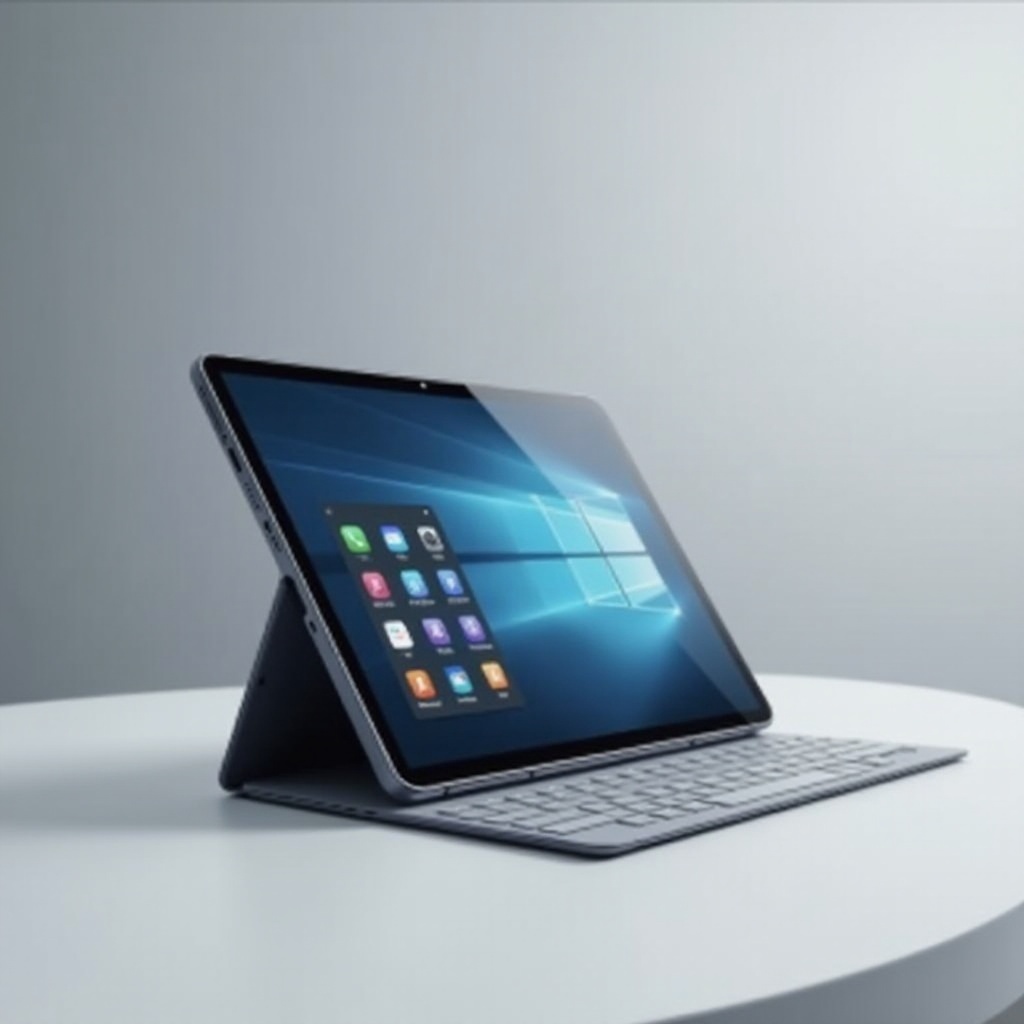
The Comprehensive Guide to Pressure Sensitive Stylus for iPad
Introduction
Pressure sensitive styluses are revolutionizing how iPad users interact with their devices. These highly precise tools cater to artists, designers, and professionals by providing a level of control that a finger cannot achieve. As iPad technology evolves, choosing the right stylus becomes even more critical in enhancing productivity and creativity. This comprehensive guide delves into the importance of pressure sensitive styluses, how to select the best one, and tips for maximizing your device’s potential.
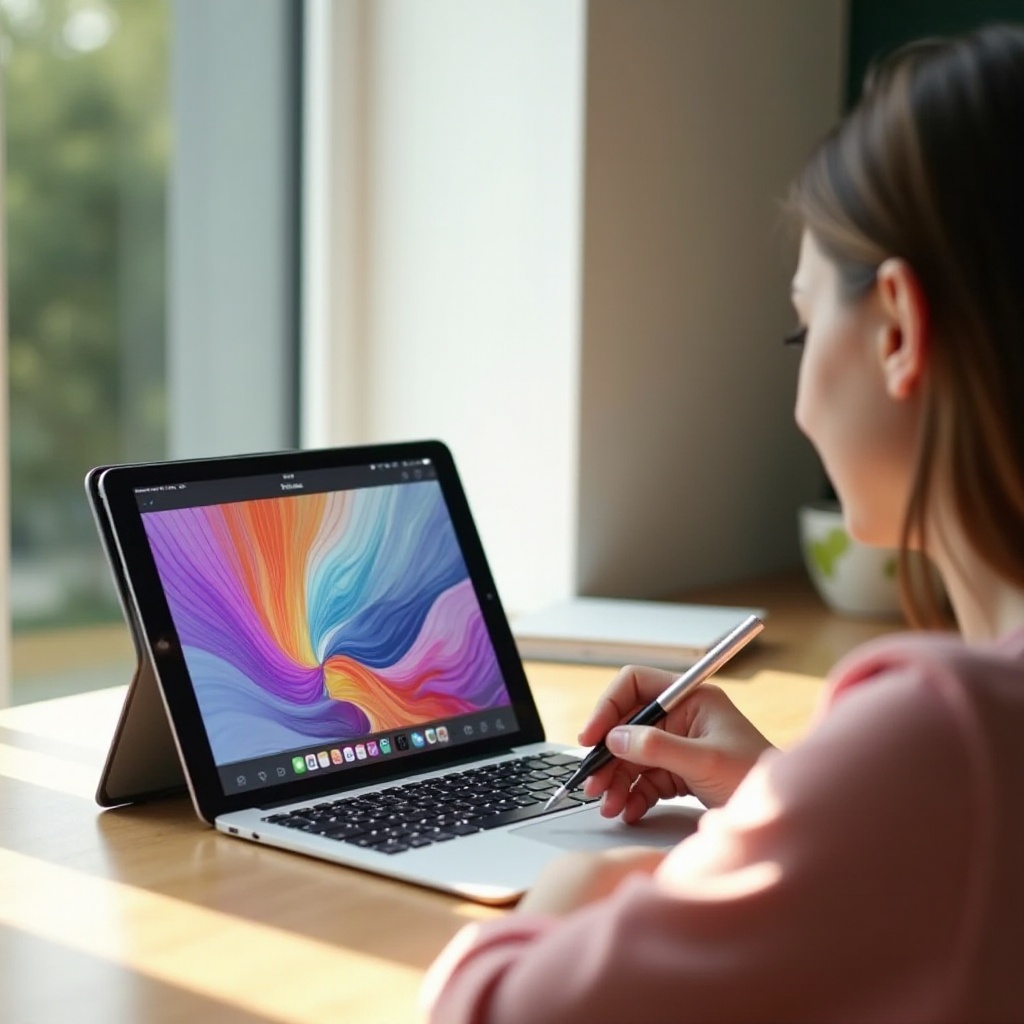
What is a Pressure Sensitive Stylus?
A pressure sensitive stylus allows you to draw or write on a touchscreen with varied pressure levels, mimicking the behavior of traditional drawing tools. Unlike standard styluses, these can detect pressure differences to produce lines of varying thickness. This capability is invaluable for artists and designers. Key components include:
– Pressure Sensitivity: Offers varying line thickness based on applied pressure.
– Tilt Recognition: Allows for shading effects by tilting the stylus.
– Palm Rejection: Avoids unintended input from resting hands.
Together, these components make the pressure sensitive stylus an essential accessory for iPad users seeking a natural and dynamic interaction.
Benefits of Using a Pressure Sensitive Stylus with iPad
Integrating a pressure sensitive stylus into your iPad routine offers numerous advantages. These include:
1. Precision and Control: Essential for detailed digital tasks.
2. Enhanced Creativity: Facilitates diverse artistic styles and techniques.
3. Versatility: Suitable for taking notes, signing documents, and graphic design.
These benefits are crucial for anyone looking to blend digital technology seamlessly with traditional artistic practices, ultimately elevating the entire creative process.
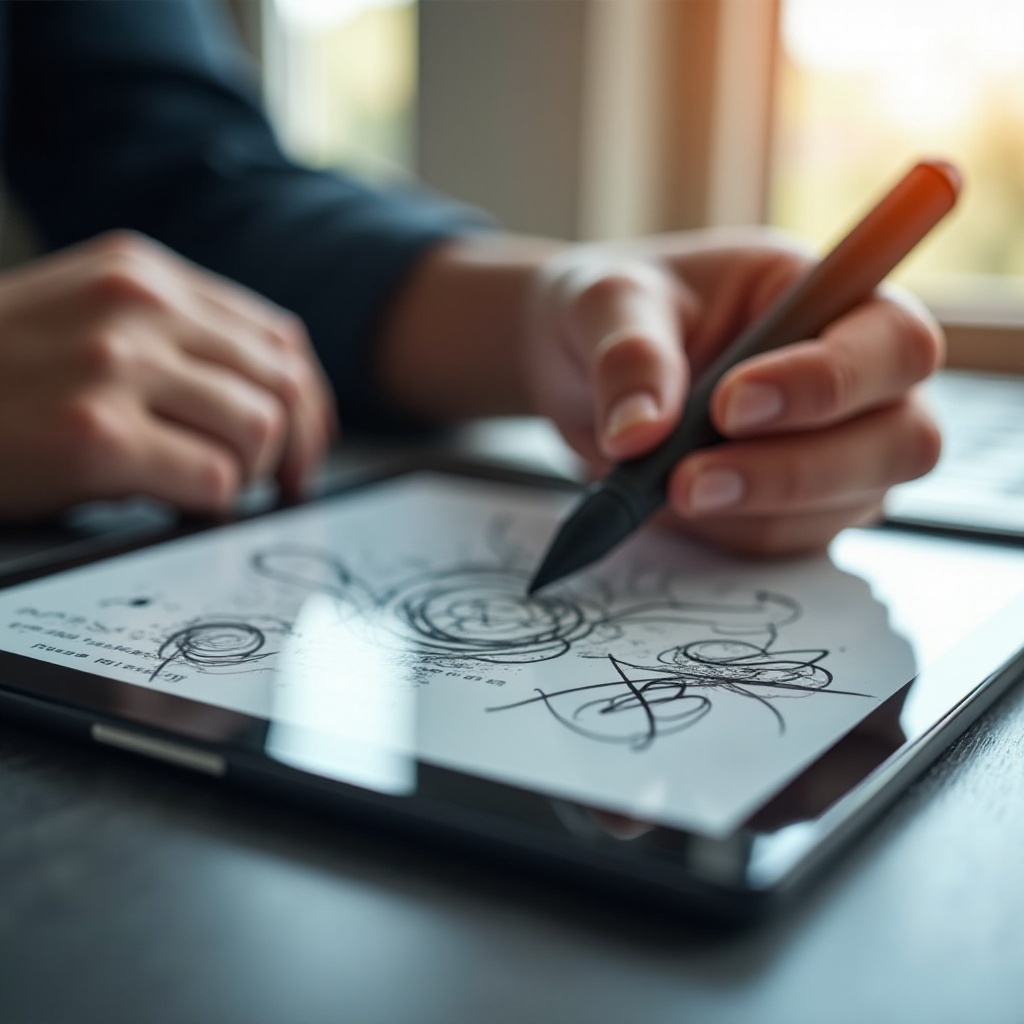
Key Features to Consider When Buying a Stylus
Choosing the right pressure sensitive stylus means understanding several critical features that affect performance:
– Compatibility: Ensure your stylus works with your specific iPad model, as newer iPads support advanced functionalities.
– Pressure Sensitivity Levels: Higher sensitivity levels allow more detail, affecting how the stylus interacts with apps.
– Battery Life and Charging Options: Consider long battery life for uninterrupted creation sessions and convenient charging features.
– Ergonomics and Comfort: Comfort is crucial for extended use; choose a stylus with an ergonomic design.
Understanding these features ensures that you invest in a stylus that offers an enhanced user experience tailored to your needs.
Top Pressure Sensitive Styluses for iPad in 2024
Given the variety on the market, selecting the optimal pressure sensitive stylus is crucial. Here we highlight leading models:
1. Apple Pencil (2nd Generation):
– Features: Magnetic attachment, wireless charging, advanced tilt and pressure sensitivity.
– Pros: Seamless integration with iPad; top choice for professional artists.
– Cons: Higher price point.
2. Logitech Crayon:
– Features: Minimal lag, palm rejection, battery life up to 7.5 hours.
– Pros: Cost-effective, excellent for note-taking.
– Cons: Lacks advanced pressure sensitivity.
3. Adonit Note+:
– Features: Palm rejection, programmable shortcut buttons, fast charging.
– Pros: Ideal for budget-conscious artists, compatible with numerous iPad models.
– Cons: Occasional lag.
These styluses provide varying features suitable for different use cases, ensuring that you find the perfect tool to enhance your iPad experience.
Tips for Optimizing Your Stylus Experience on iPad
Once you select your stylus, optimizing its performance with your iPad involves some strategic tweaks:
1. Calibrate Your Stylus: Most apps offer calibration settings to ensure precise input.
2. Explore Stylus-Compatible Apps: Utilize apps like Procreate or GoodNotes designed to leverage the full potential of pressure sensitivity.
3. Regular Maintenance: Keep the stylus clean and update its software for optimal performance.
These practices ensure that your stylus remains functional and effective, complementing your iPad seamlessly for any task.
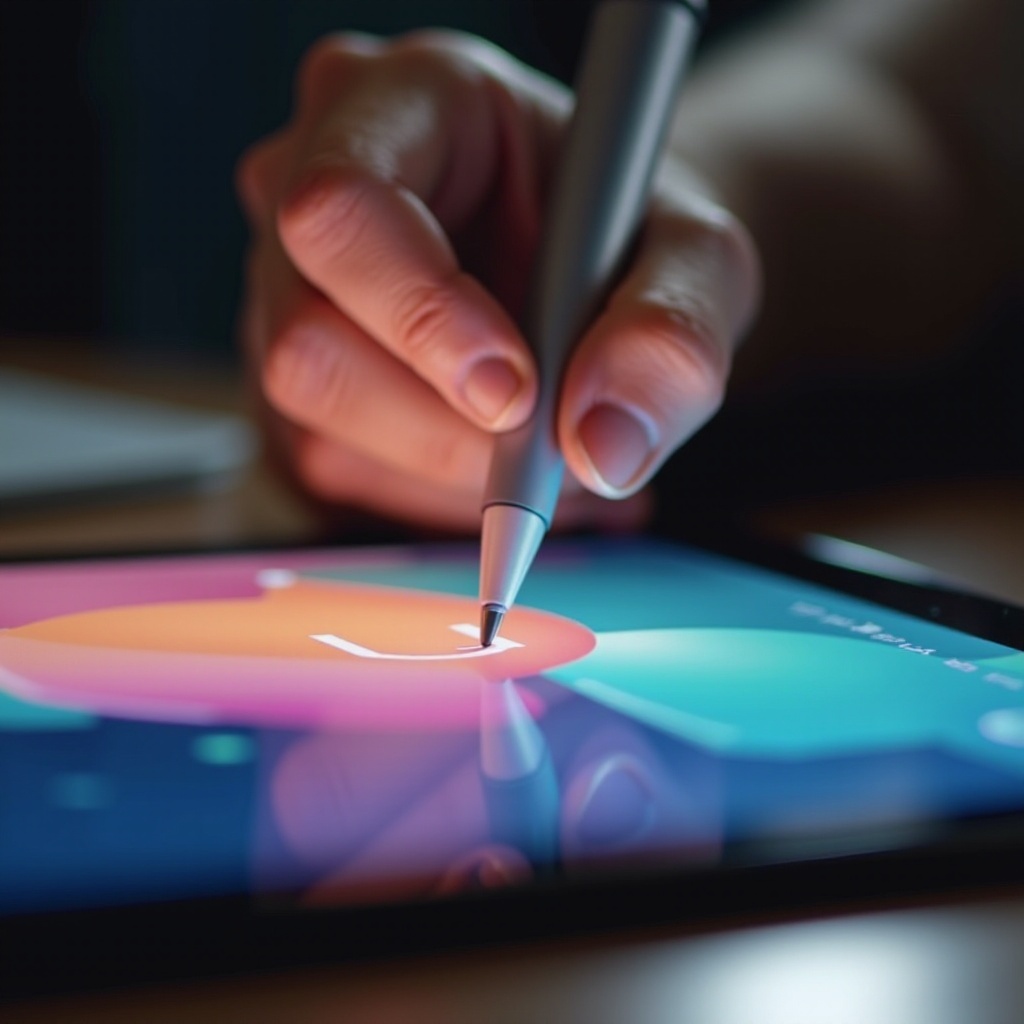
Conclusion
The right pressure sensitive stylus can significantly enhance your iPad experience, catering to artists, designers, and professionals alike. By understanding the technical specifications and benefits, you’re well-prepared to choose a stylus that aligns with your creative and professional goals.
Frequently Asked Questions
What is the difference between pressure sensitive and non-pressure sensitive styluses?
Pressure sensitive styluses can create varied line thicknesses based on pressure, whereas non-pressure styluses only offer uniform lines.
Are all pressure sensitive styluses compatible with different iPad models?
Not all are compatible. Always verify with the manufacturer’s compatibility guide for your specific iPad model.
How do I maintain and care for my pressure sensitive stylus?
Regularly clean the stylus tip, store it securely, and ensure firmware updates are applied to keep it functioning optimally.