Best Laptop for Excel: Your 2024 Comprehensive Guide
Introduction
Finding the perfect laptop for Excel tasks can significantly elevate your efficiency and workflow. The abundance of choices available may make this decision-making process confusing. This guide aims to simplify your quest by pinpointing the critical features essential for optimizing Excel performance.

Must-Have Features for Excel Laptops
When selecting a laptop for Excel, certain specifications are crucial for seamless operations.
Processing Power: The Heart of Excel Performance
A robust processor is key for effortless multitasking and handling complex spreadsheets. It’s crucial to choose a laptop powered by an up-to-date processor, such as the Intel Core i5 or AMD Ryzen 5, to ensure a balance between power and efficiency.
RAM Requirements: Smoothing Out Large Data Sets
For smooth data management, a minimum of 8 GB RAM is advisable. This capacity facilitates the smooth operation of multiple Excel sheets without disruption, enabling uninterrupted productivity.
Storage Solutions: SSD vs. HDD
Speed trumps capacity when dealing with extensive data files. Solid-state drives (SSDs) deliver faster boot times and access data much quicker than traditional hard drives (HDDs). A minimum of 256 GB SSD will keep your system running efficiently.
Display and Design Considerations
After solidifying internal features, attention must turn to the laptop’s physical attributes for optimal usability.
Screen Size and Resolution: Clarity Matters
Having a larger screen, preferably 13 inches or larger with a Full HD resolution, is highly beneficial for Excel users. This setup minimizes eye strain and allows more cells to be visible, promoting a smoother workflow.
Portability and Build: Lightweight vs. Durable
Achieving a balance between portability and durability is vital, especially for those constantly on the go. Aim for a laptop that combines lightweight feels with a strong build, like those crafted from aluminum or magnesium alloy.
Battery Life: Power to Keep You Working
Handling Excel sheets can drain your battery, especially over prolonged periods. A laptop offering at least 10 hours of battery life is recommended to sustain a full day of work.
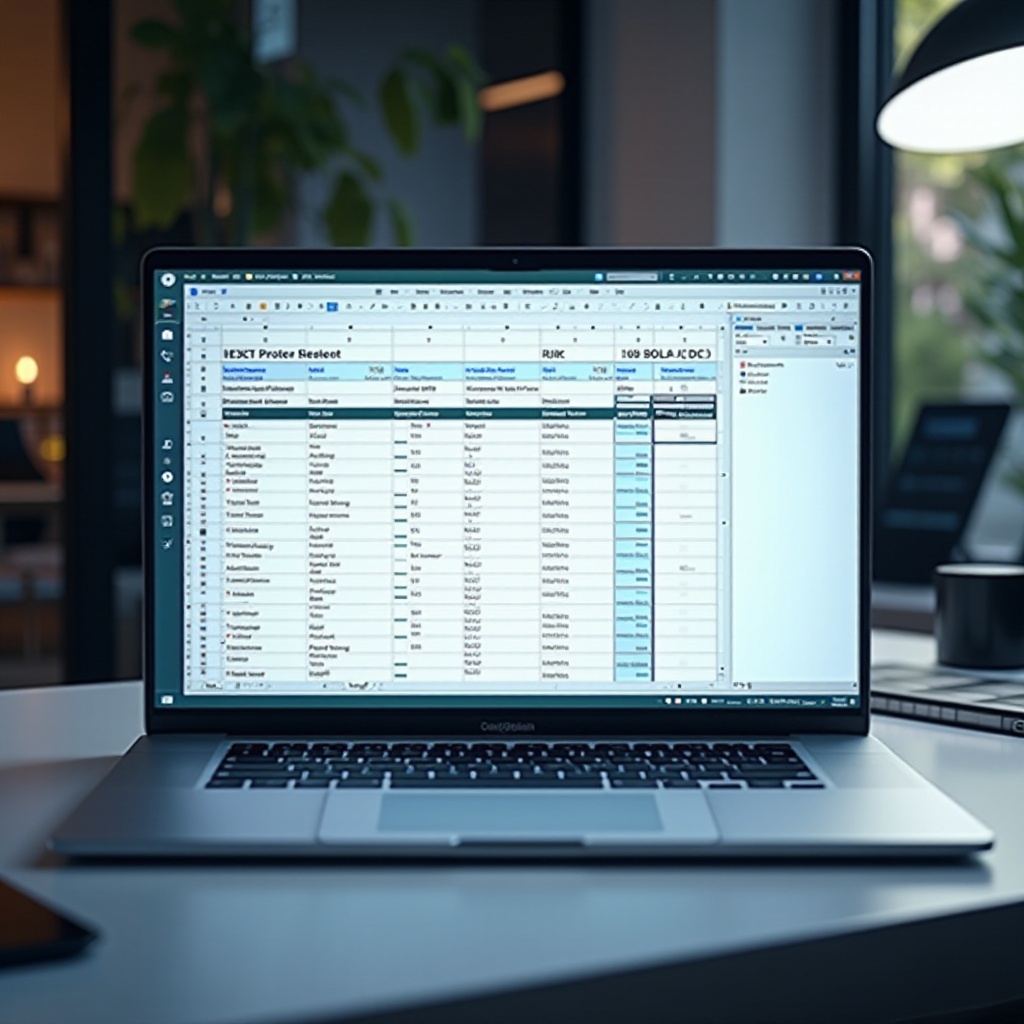
Top Recommended Laptops for Excel in 2024
Here we provide top laptop suggestions based on different needs and preferences.
Best Overall: Dell XPS 15
With its sleek design and robust internals, the Dell XPS 15 stands out as a top choice for Excel users. Featuring an Intel Core i7 processor and 16 GB RAM, it efficiently manages complex spreadsheets while delivering vibrant display clarity.
Best for Budget-Conscious Users: Acer Swift 3
For those who value cost-effectiveness without compromising performance, the Acer Swift 3 is ideal. Its AMD Ryzen 5 processor and 8 GB RAM reliably support daily Excel tasks, pairing performance with impressive battery life at a budget-friendly price.
Best for Power Users: Microsoft Surface Laptop Studio
Power users aiming for top-tier performance will find the Microsoft Surface Laptop Studio a perfect fit. The Intel Core i7 processor combined with 32 GB RAM tackles the most demanding tasks, while its convertible design adds creative functionality.
Making the Right Choice Based on User Needs
Identifying your specific requirements guarantees the best laptop choice.
Identifying Your Excel Usage Patterns
Understand your primary Excel habits. Are you working with simple spreadsheets or analyzing complex data models? This evaluation is critical for narrowing down your options.
Aligning Specifications with Your Budget
After assessing your usage, align essential specifications with your financial constraints. Budget-friendly choices might lack certain advanced features, but core performance shouldn’t be compromised.
Future-Proofing Your Purchase: Investing Wisely
Select options that allow easy upgrades or configurations to support software enhancements in the future. This approach ensures your investment remains efficient for years.

Conclusion
Overall, selecting the best laptop for Excel in 2024 requires balancing performance specifications, display quality, and portability against your budget. By pinpointing your needs and preferences, you can make informed decisions to optimize your Excel use.
Frequently Asked Questions
What is the minimum RAM requirement for Excel laptops in 2024?
8 GB of RAM is suitable for general tasks, while 16 GB or more is ideal for complex processes.
Are SSDs significantly better than HDDs for Excel tasks?
Yes, SSDs offer faster data access speeds, enhancing system speed and reducing load times.
How do I choose between different processors for Excel tasks?
For most tasks, an Intel Core i5 or AMD Ryzen 5 is suitable. Power users should consider Intel Core i7 or AMD Ryzen 7.