The Ultimate Guide to Speakers with Optical Input for TV
Introduction
Choosing the right audio equipment can significantly elevate your entertainment experience. Speakers with optical input for TVs have become a top choice owing to their superior audio quality and seamless integration. Optical input connects using light to transmit data, thus minimizing interference and maximizing sound clarity. Whether you’re overhauling your home theater or simply enhancing TV audio, understanding the perks of optical input speakers is essential. This guide explores how these speakers can transform your sound experience at home.
Understanding Optical Input in Speakers
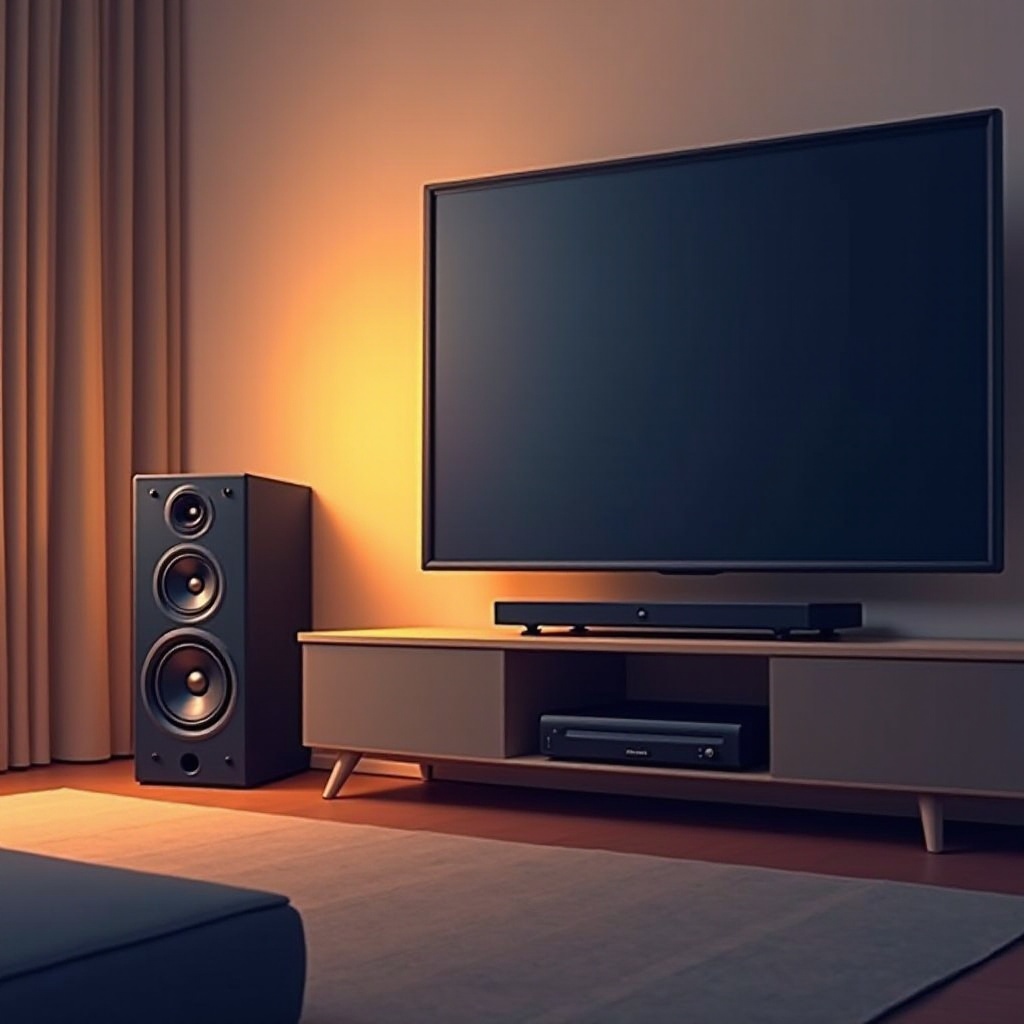
Optical input, often known as TOSLINK, involves transmitting digital audio signals via light, eliminating the electrical interference typical of analog connections. This ensures a crisp, clear sound profile, ideal for high-definition audio output.
Equipping your setup with speakers that have optical input can significantly boost audio quality. Most modern TVs and home theater systems support optical output, ensuring straightforward integration. Additionally, optical connections can handle advanced audio formats like Dolby Digital and DTS, adding layers and depth to your viewing experience.
Benefits of Speakers with Optical Input for TV
Speakers boasting optical input bring several advantages:
- Enhanced Sound Quality: They deliver clear, distortion-free audio.
- Immunity to Electrical Interference: Optical cables are resistant to electromagnetic interference, ensuring stable audio delivery.
- Support for Surround Sound: Many setups offer support for formats like Dolby Digital, enriching your home theater experience.
- Compatibility: These speakers seamlessly connect with most modern TVs and audio receivers, simplifying the setup process.
- Ease of Installation: With simple plug-and-play setup, getting started is hassle-free.
With these benefits in mind, it becomes clear why audiophiles and home theater enthusiasts prefer optical input speakers. Their combination of quality and convenience is hard to beat.
Top Features to Look for in Speakers with Optical Input
When browsing for speakers with optical input, focus on these features:
- Sound Quality: Prioritize speakers with a broad frequency range and high power output. Support for Dolby Atmos can be a significant plus.
- Design and Build Quality: A robust build enhances durability and sound fidelity.
- Connectivity Options: Look for models offering connections like Bluetooth, HDMI, or AUX for versatility.
- Ease of Use: User-friendly controls and comprehensive setup instructions simplify the process.
- Brand Reputation: Established brands typically offer better support and reliability.
These attributes will guide you in selecting a speaker setup that not only meets but exceeds your expectations.
Best Speakers with Optical Input for TV in 2024
Here are some of the top-rated models:
- Model A: Features and Highlights
- Known for exceptional clarity and a powerful subwoofer.
- Features a minimalistic design to match modern aesthetics.
-
User-friendly interface with additional inputs like Bluetooth.
-
Model B: Features and Highlights
- Delivers high-definition audio, compatible with Dolby Atmos.
- Compact, ideal for smaller spaces or mounting.
-
Includes multiple connections like HDMI ARC.
-
Model C: Features and Highlights
- Provides rich bass and comprehensive surround sound.
- Durable design with an elegant finish.
- Ease-of-use with a detailed remote control.
These models cater to a broad spectrum of needs, ensuring a stellar entertainment experience tailored to your setup.
How to Install and Set Up Your Speakers with Optical Input
Start as follows:
- Connect the Optical Cable: Insert one end into your TV’s optical out port and the other into the speaker’s optical in port.
- Configure Audio Output: Access the TV’s audio settings and select optical output.
- Power and Test: Activate your speakers and TV, and choose high-quality audio content to test the setup.
- Adjust Settings: Utilize the remote or an app to tweak sound settings as needed.
This straightforward process ensures optimal performance and sound quality.
Tips to Optimize Your TV Audio Experience
Maximize audio enjoyment with these tips:
- Positioning: Place speakers at ear level for the best clarity and impact.
- Calibration: Use included calibration tools or apps to refine sound settings.
- Level Balancing: Adjust the bass, treble, and surround settings to suit the room and content.
- Software Updates: Regularly update firmware for peak performance.
Following these suggestions helps unlock your speaker system’s full potential, offering an unmatched audio experience.
Conclusion
Opting for speakers with optical input enhances sound clarity, minimizes interference, and offers precise audio reproduction. By focusing on critical features and understanding installation and optimization, you can elevate your home entertainment setup. Investing in a top-quality speaker system ensures a premium audio experience that transforms how you enjoy content in your space.
Frequently Asked Questions
What is an optical input on a speaker?
An optical input on a speaker is a port that transfers digital audio using light, delivering high-quality sound with minimal interference.
Are optical inputs better than HDMI?
While HDMI supports higher bandwidth for high-resolution audio, optical is sufficient for standard stereo and surround sound, offering excellent quality.
How do I know if my TV supports optical output?
Check your TV’s specifications or the back panel for an ‘Optical Out’ label next to a square-shaped port. Most modern TVs include optical output.